
Client Background
- Client: A leading marketing analytics firm in the USA
- Industry Type: Marketing
- Products & Services: Marketing solutions
- Organization Size: 100+
The Problem
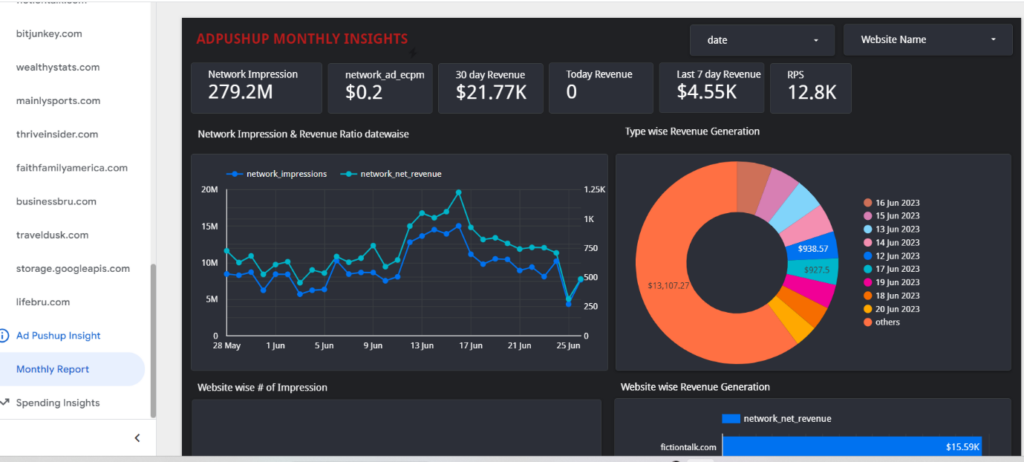
Looker Studio is a powerful data visualization and analytics platform that allows businesses to create interactive dashboards. However, there is a need to keep the dashboard records up to date with the latest data stored in BigQuery. Manually updating the records can be time-consuming and prone to errors. Hence, there is a need for an automated solution that seamlessly integrates Looker Studio with BigQuery and ensures the dashboards reflect real-time data.
Our Solution
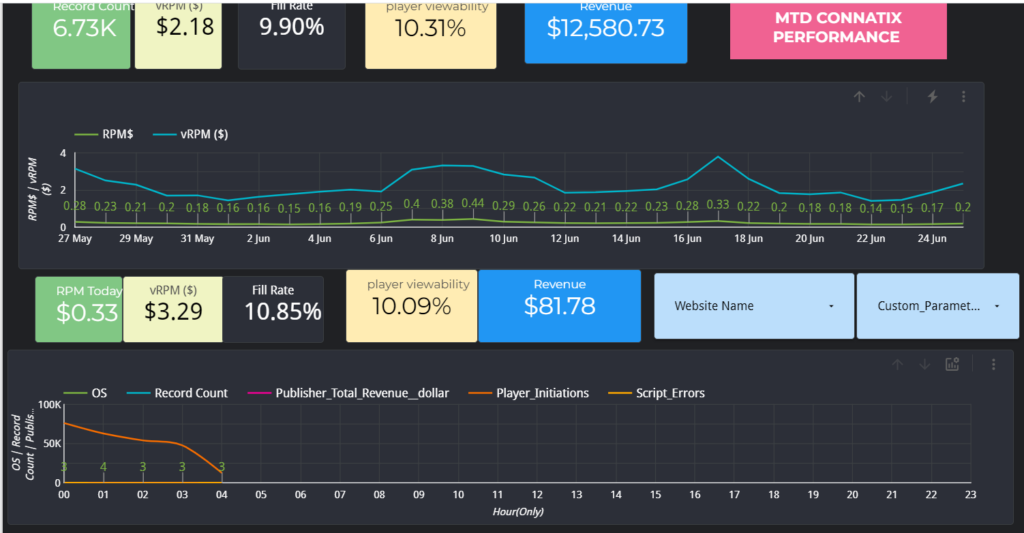
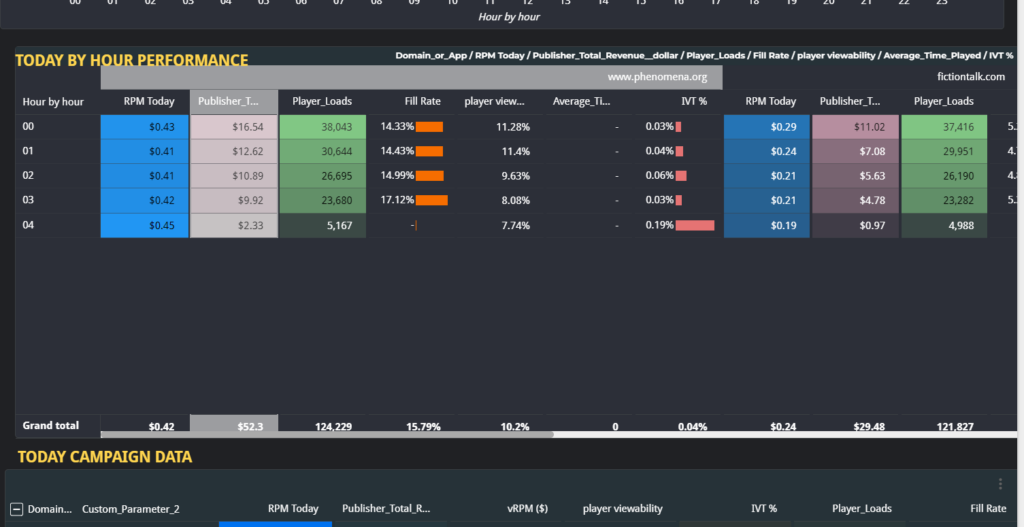
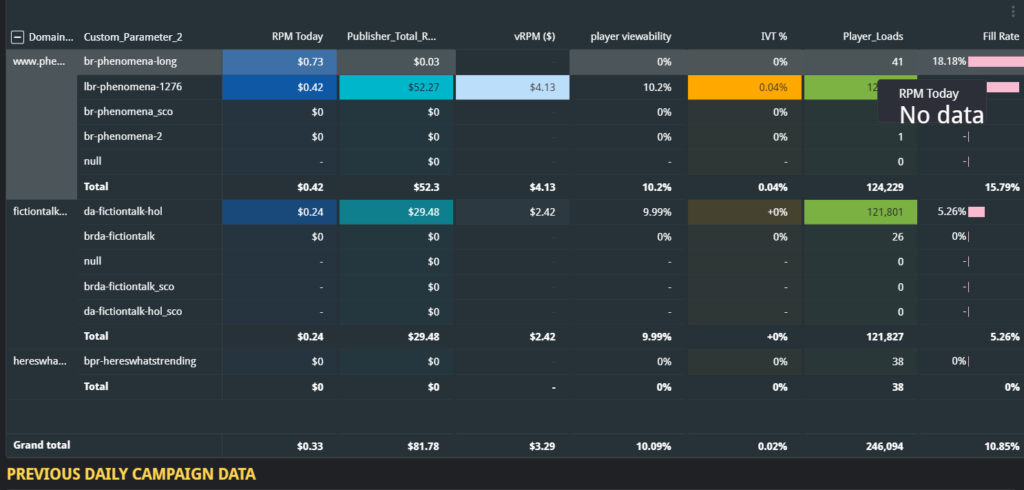
To address the problem of updating Looker Studio dashboard records from BigQuery, we implemented an Extract, Transform, Load (ETL) pipeline. The solution involved extracting data from BigQuery, transforming it into the desired format, and loading it into Looker Studio to update the dashboard records automatically
Deliverables
a) Automated process for updating Looker Studio dashboard records from BigQuery.
b) Real-time synchronization of data between BigQuery and Looker Studio.
c) Improved accuracy and efficiency of the dashboard recor
Tools used
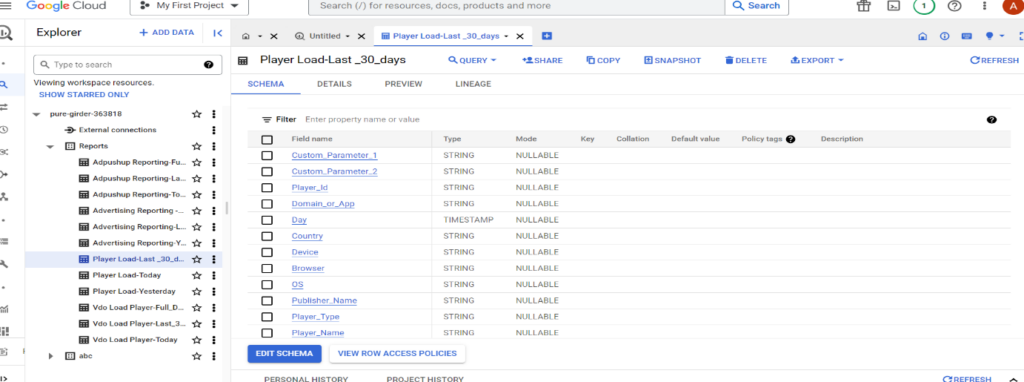
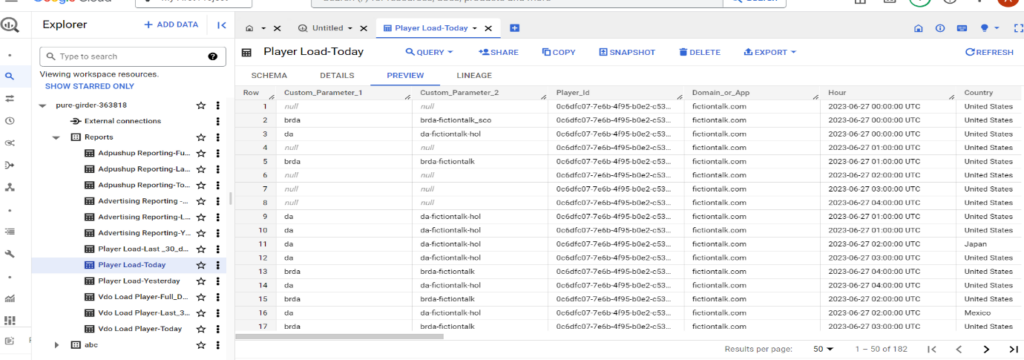
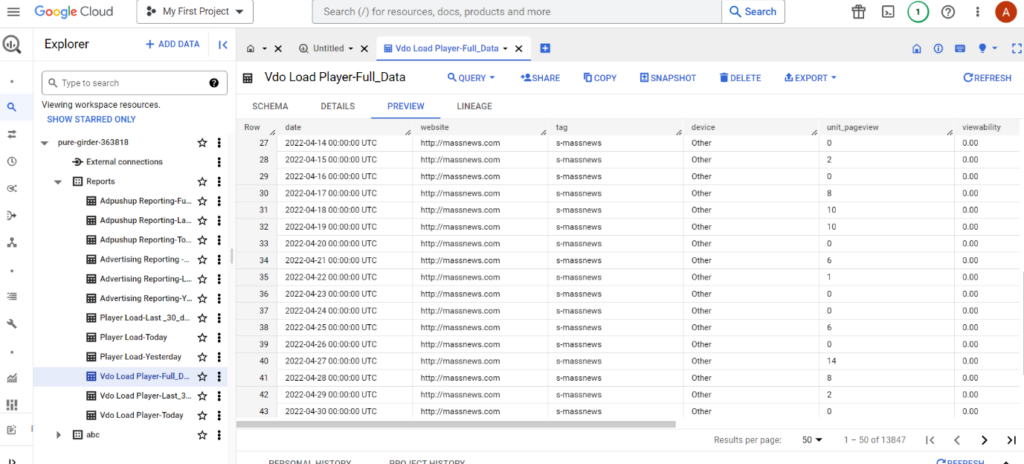
a) BigQuery: BigQuery served as the primary data storage and retrieval system for this project.
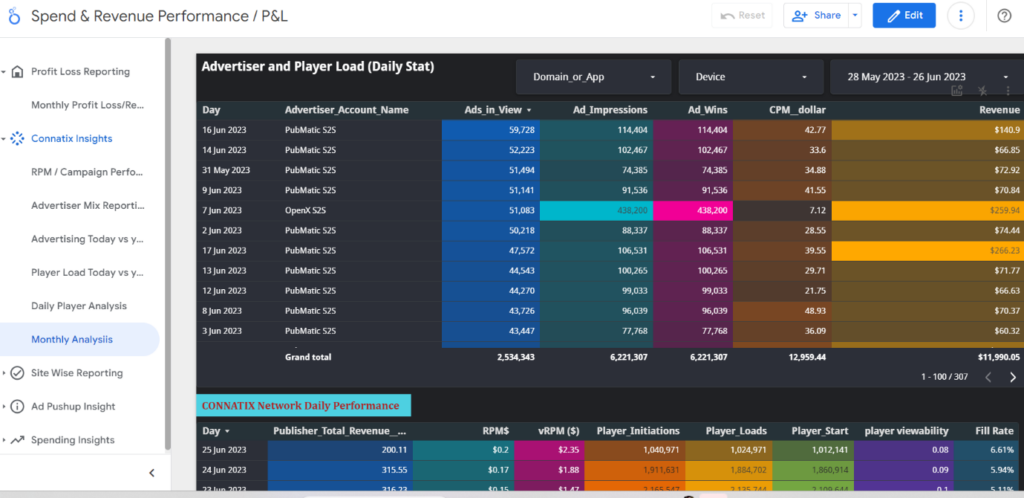
b) Looker Studio: Looker Studio provided the dashboard creation and visualization capabilities.
c) ETL Tools: We utilized ETL tools such as Apache Airflow or Apache NiFi for orchestrating the data pipeline.
Language/techniques used
a) SQL: SQL was employed for querying and manipulating data in BigQuery.
b) ETL Pipeline: We implemented an ETL pipeline to extract, transform, and load the data between BigQuery and Looker Studio
Model Used:
No specific models were used in this project. Instead, the focus was on developing a robust and efficient ETL pipeline.
Skills used
a) SQL: Proficiency in SQL was necessary to query and manipulate data in BigQuery.
b) ETL Development: We utilized skills in ETL pipeline development, including data extraction, transformation, and loading.
c) Data Integration: Integrating data from BigQuery with Looker Studio required expertise in data synchronization and dashboard management.
Databases used
a) BigQuery: BigQuery served as the primary database for storing and retrieving data.
b) Looker Studio: Looker Studio acted as the database for the dashboards.
Web Cloud Servers used
To manage and process large volumes of data, we leveraged cloud-based servers, such as GCP, which provided scalable computing resources.
What are the technical Challenges Faced during Project Execution
a) Real-time Data Synchronization: Ensuring real-time synchronization between BigQuery and Looker Studio presented a challenge due to potential latency issues and data volume.
b) Data Transformation and Formatting: Transforming and formatting the data from BigQuery to match the required structure in Looker Studio required careful consideration and handling of complex data structures.
c) Security and Access Control: Ensuring secure access to data in both BigQuery and Looker Studio while maintaining data integrity and privacy was a critical challenge.
How the Technical Challenges were Solved
a) Real-time Data Synchronization: We implemented an optimized ETL pipeline that continuously monitored data changes in BigQuery and triggered updates to the Looker Studio dashboard records in near real-time, minimizing latency.
b) Data Transformation and Formatting: We developed custom transformation scripts or used ETL tools that handled data transformation and formatting, ensuring compatibility between BigQuery and Looker Studio.
c) Security and Access Control: We implemented appropriate security measures, such as role-based access control and encryption, to protect data in transit and at rest, ensuring secure access to both BigQuery and Looker Studio.
Business Impact
The automated process of updating Looker Studio dashboard records from BigQuery using ETL has several business impacts. It allows businesses to:
- Stay up to date with real-time data, enabling timely decision-making.
- Improve the accuracy and reliability of dashboard records, reducing manual errors.
- Increase operational efficiency by automating the data synchronization process.
- Provide stakeholders with access to the most current and accurate data for analysis and reporting.
- Enhance the overall data-driven decision-making capabilities of the organization, leading to improved business outcomes and competitive advantage.
Project Snapshots