

Client Background
- Client: A leading social firm in the USA
- Industry Type: social
- Products & Services: Social Apps
- Organization Size: 200+
The Problem
Performing repetitive tasks on websites manually can be time-consuming and error-prone. Automation of website interactions can significantly improve efficiency and accuracy. Therefore, the project aimed to automate website tasks using Selenium Python, addressing the challenge of manual repetitive actions
Our Solution
To automate website tasks, we utilized Selenium, a popular web automation framework, along with the Python programming language. The solution involved developing scripts that interact with websites, perform actions, extract data, and navigate through web pages.
Solution Architecture
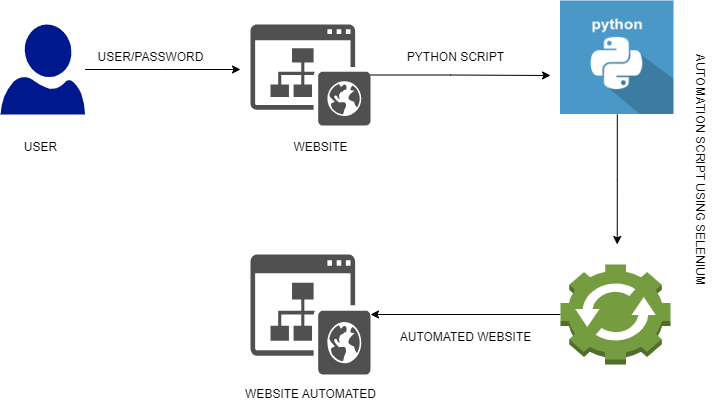
Fig. System Architure
Deliverables
Windows executable application
Tools used
a) Selenium: Selenium is a powerful web automation framework that allows interaction with web pages, form submission, and data extraction.
b) Python: Python served as the primary programming language for developing the automation scripts.
c) Integrated Development Environment (IDE): IDEs like VS code provided a development environment for writing and executing Python scripts.
Language/techniques used
a) Python: Python was used as the programming language for automation script development.
b) Selenium: Selenium library and its methods were utilized for interacting with websites and performing automation tasks.
Model Used:
No specific models were used in this project. The focus was on utilizing the Selenium framework and writing custom automation scripts.
Skills used
a) Python Programming: Proficiency in Python was essential for writing automation scripts using Selenium.
b) Web Automation: Skills in web automation techniques and using Selenium effectively.
c) Problem-Solving: Analytical and problem-solving skills were utilized when handling website-specific challenges and edge cases.
Databases used
No specific databases were used in this project as the focus was on website automation rather than data storage or retrieval.
What are the technical Challenges Faced during Project Execution
a) Dynamic Web Elements: Dealing with dynamically changing web elements, such as element IDs or class names, required adaptation and handling.
b) Synchronization and Timing: Ensuring synchronization and appropriate timing for actions, especially when dealing with slow-loading or AJAX-based web pages.
c) Captcha or Bot Detection: Overcoming challenges posed by website security measures, such as captchas or bot detection mechanisms.
How the Technical Challenges were Solved
a) Dynamic Web Elements: We employed various techniques such as using CSS selectors, XPath expressions, or waiting strategies to locate and interact with dynamic web elements reliably.
b) Synchronization and Timing: We implemented explicit waits in Selenium to handle synchronization issues and ensure proper timing for actions, allowing the web page to load completely before interacting with elements.
c) Captcha or Bot Detection: We explored different strategies, including manual intervention when necessary or implementing third-party tools, to handle captcha challenges or bypass bot detection mechanisms.
Business Impact
Automating website interactions using Selenium Python offers several business benefits:
Increased productivity by eliminating manual repetitive tasks, allowing employees to focus on more critical activities.
Improved accuracy and reduced human errors, leading to enhanced data quality.
Time and cost savings by streamlining processes and reducing the need for manual intervention.
Scalability and consistency in website interactions, ensuring standardized and reliable results.
Potential for integration with other systems, enabling seamless data exchange and process automation.
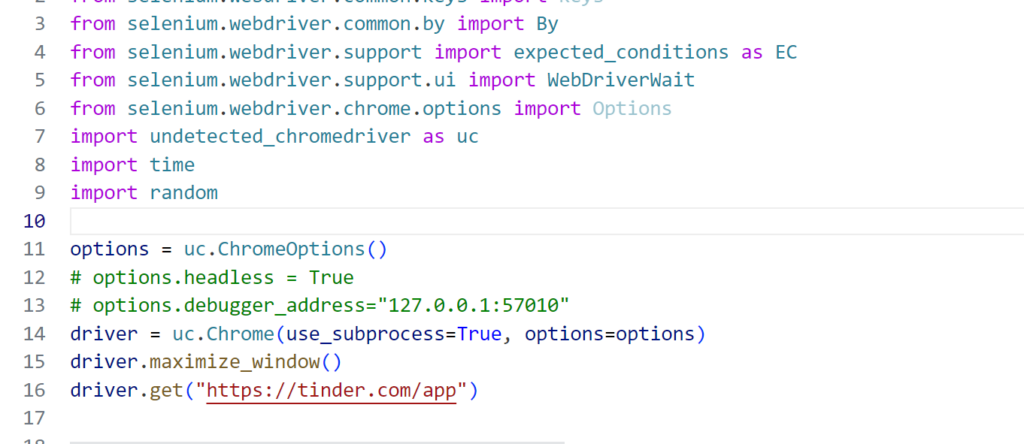
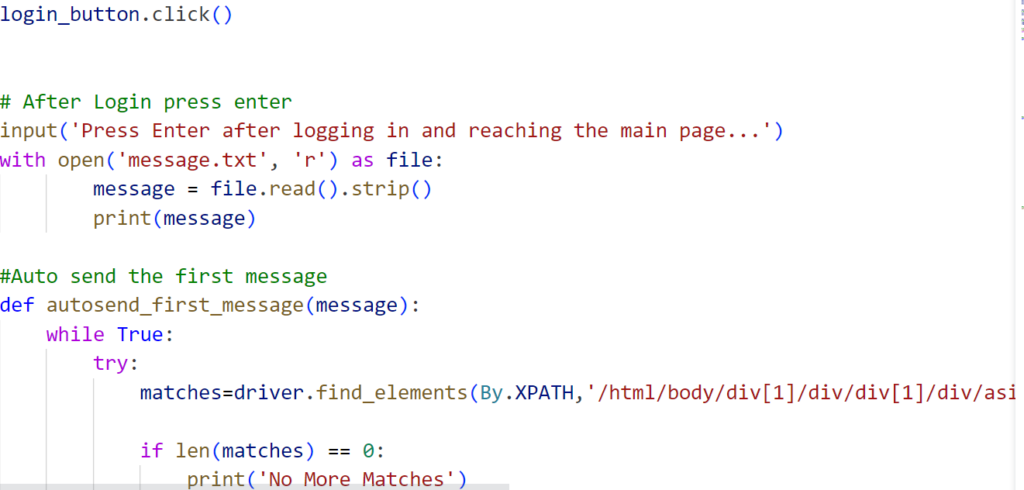
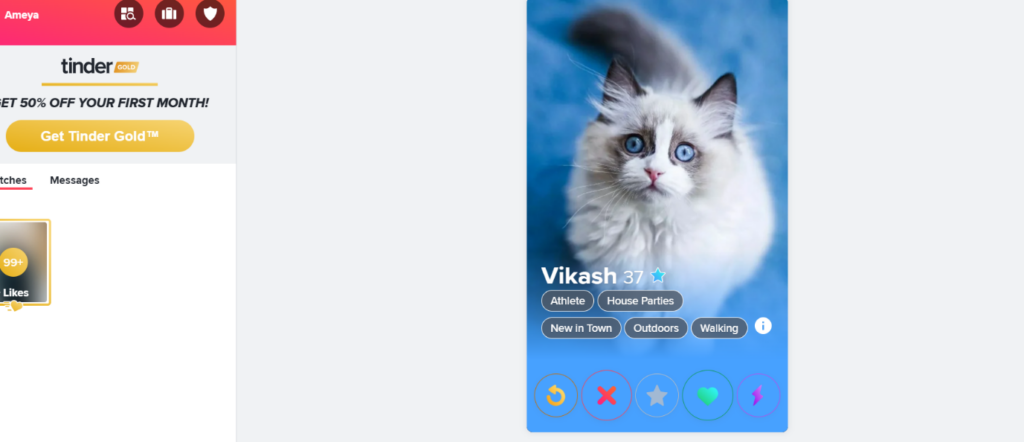
Project Snapshots



Project Video
Brief about the project: https://www.loom.com/share/509dc2458b6d4c258e68dbbdd5827a90?sid=73392fa4-d285-4363-a05d-e9cb4b756196