
Client Background
- Client Name: A leading IT consulting firm in the middle east
- Industry Type: IT
- Products & Services: Chatbot & AI
- Organization Size: 50+
The Problem
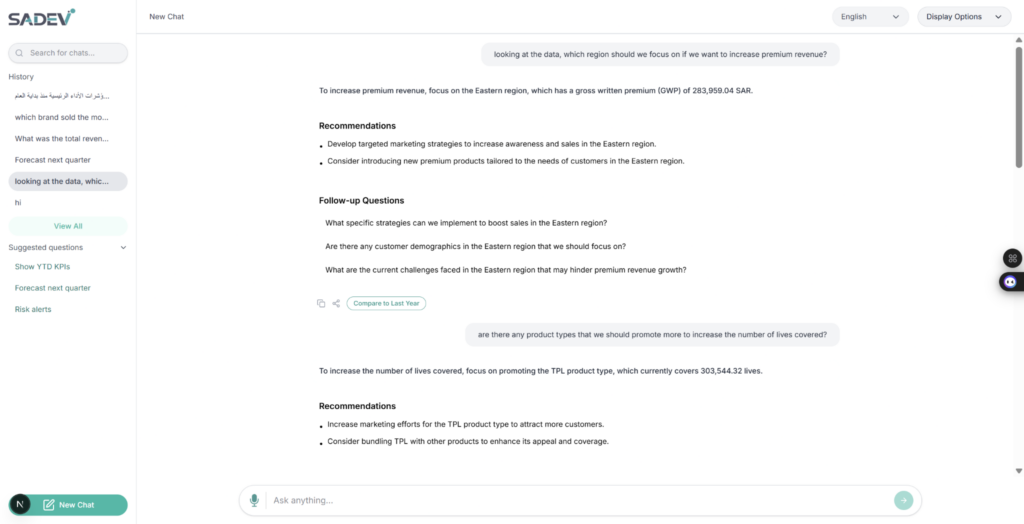
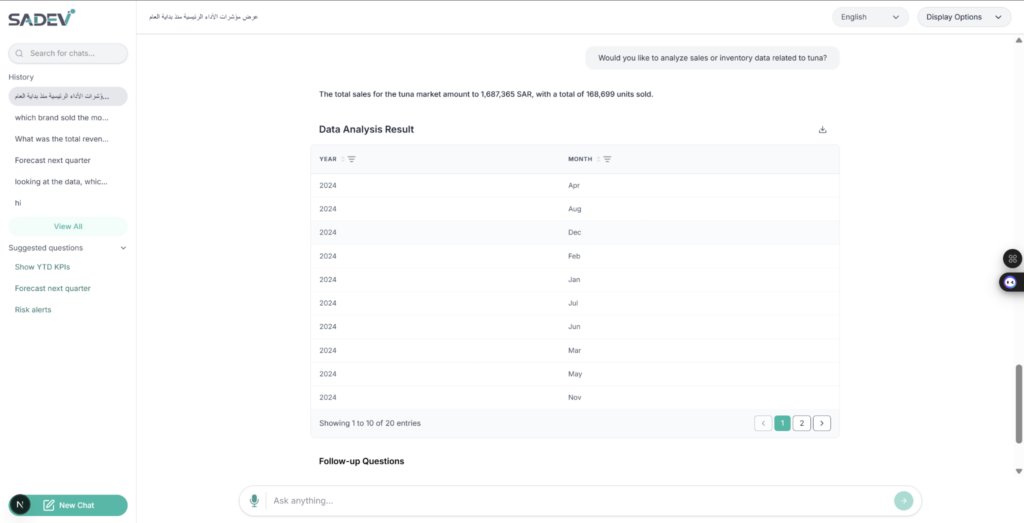
Organizations needed a faster and simpler way to analyze data through a conversational interface instead of relying on complex manual reporting workflows. The main challenges included handling multi-modal input, presenting data in a clean and interactive table view, enabling sorting and inline filtering, supporting exports and sharing, and making the experience usable in both English and Arabic. The application also needed smoother chat interactions, better comparison views, and improved chart handling for reporting and PDF export.
Our Solution
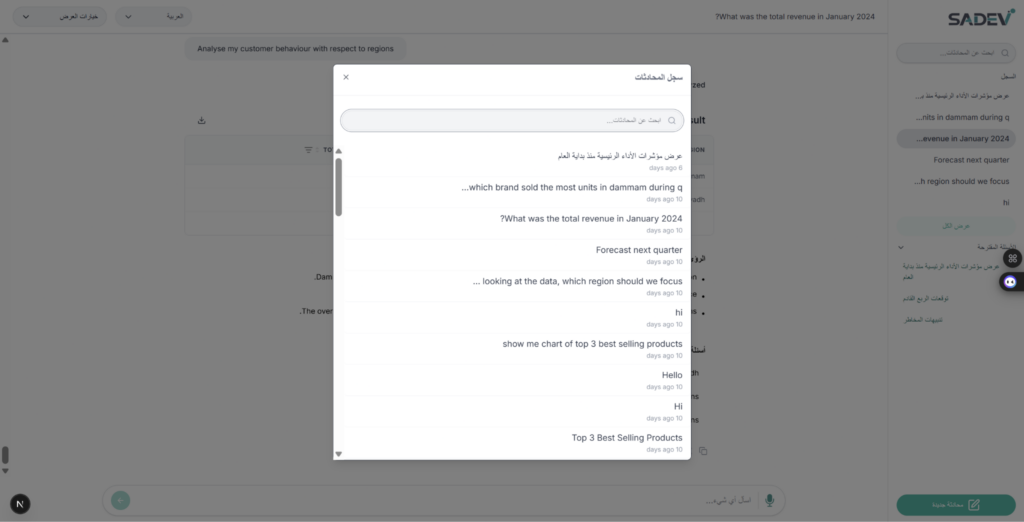
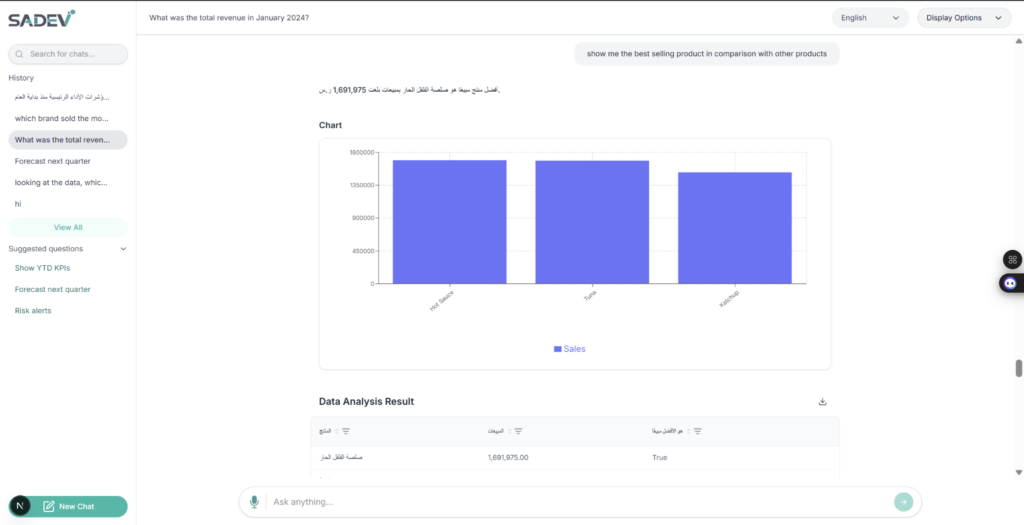
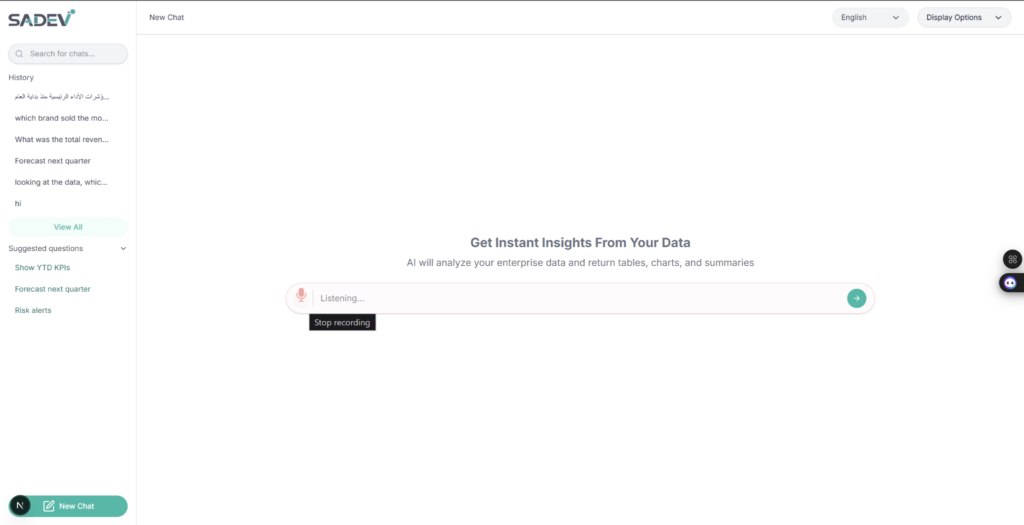
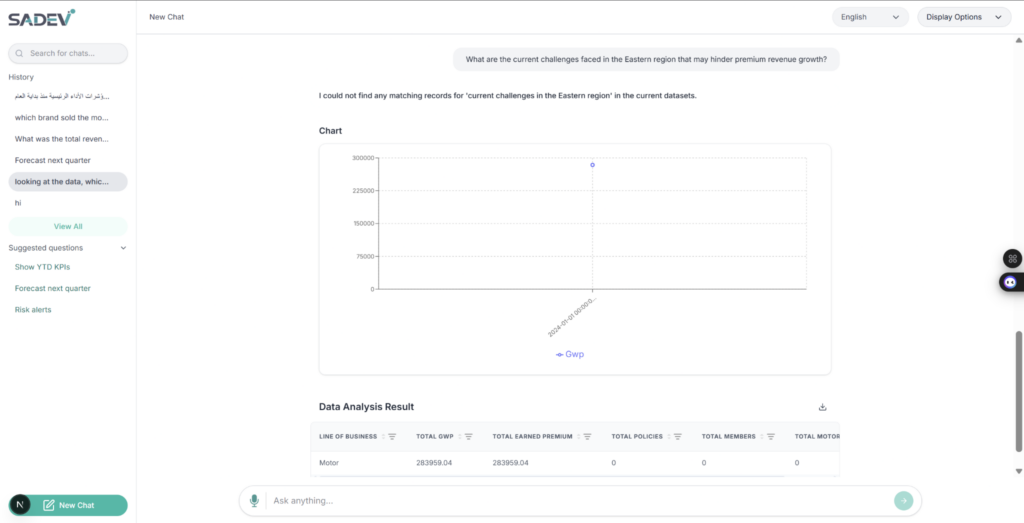
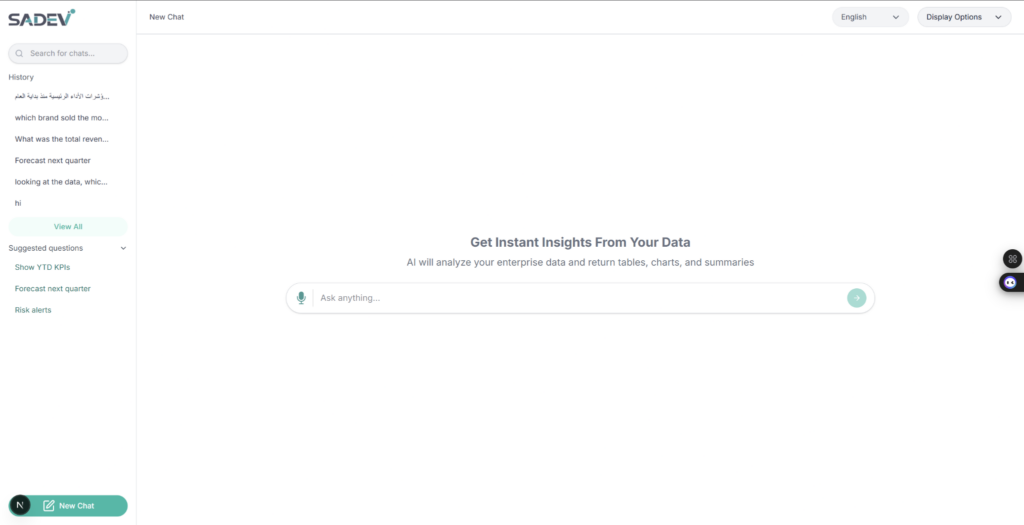
We built an AI Analytical Tool and Chatbot that allows users to interact with data through a modern chat-based analytics experience. The solution included multi-modal input switching, chat streaming, dynamic table manipulation, expandable row details for data visualization, side-by-side comparison, and export/share capabilities. We also improved usability by simplifying the table interface, updating icons and layout, fixing language-specific issues, and enhancing chart behavior for download and PDF output.
Solution Architecture
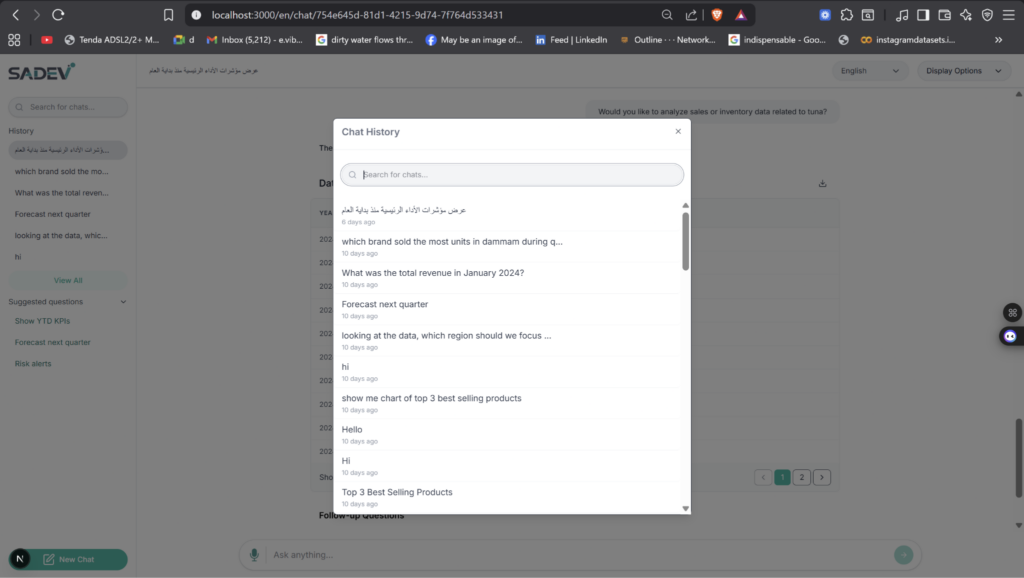
The solution follows a frontend-focused analytics workflow where user input is processed through a chat and data visualization interface. The UI supports AI chat interactions, comparison views, tables with sorting and filtering, and chart-based reporting. Supporting components include streaming response handling, export and sharing modules, localization support for English and Arabic, and UI state updates for history, downloads, and comparison controls.
Deliverables
The project deliverables included a working analytics chat interface, multi-modal input switching, sorting and filter controls, share/export functionality, streaming chat responses, delete chat support, improved table layouts, chatbot home screen enhancements, side-by-side comparison view, copy and link tools, Arabic text corrections, chart download support, and PDF-safe chart rendering. Additional deliverables included testing in deployed and local environments, documentation updates, release notes, and UI refinements across the application.
Tech Stack
- Framework used
- Next.js with React for the frontend analytics application.
- Language/techniques used
- TypeScript, React component development, UI state management, streaming chat handling, table sorting/filtering, chart rendering, PDF export handling, bilingual support, and responsive design techniques.
- Models used
- AI chatbot/analytics model used through the project’s backend integration for generating responses, analysis, and chat-based insights.
- Skills used
- Frontend development, UI/UX improvement, analytics dashboard design, localization, export/share feature implementation, debugging, testing in deployed environments, and report-based iterative delivery.
- Databases used
- The database used for the Anas AI Analytical Tool and Chatbot is Supabase, which is a managed PostgreSQL database.
- Web Cloud Servers used
- Deployed application testing environment and local server environment were used during implementation and validation. The project also used hosted documentation and Loom demo links for delivery tracking.
What are the technical Challenges Faced during Project Execution
The main technical challenges were implementing smooth multi-modal input switching, building reliable sorting and inline filters, handling expandable/collapsible row details for visualization, and keeping dynamic table manipulation intuitive. Additional challenges included chat streaming stability, share/export behavior, correct PDF chart rendering, bilingual text handling, and ensuring that UI elements such as copy buttons, download icons, and comparison controls behaved correctly across the interface.
How the Technical Challenges were Solved
These challenges were handled through incremental frontend updates and repeated testing in both local and deployed environments. The team completed core interaction features first, then refined the chat experience, share/export tools, and comparison views. UI issues were fixed by adjusting layout behavior, improving icon placement, correcting Arabic text, restricting visibility logic for comparison controls, and preventing chart cropping during PDF export.
Business Impact
The application improved the speed and simplicity of data analysis by turning complex reporting into a conversational experience. Users can now search, compare, filter, and export insights more easily, while bilingual support improves accessibility for a wider audience. The refined chat experience, table interactions, and visualization tools also make the product more practical for daily analytical work and internal decision-making.
Project Snapshots
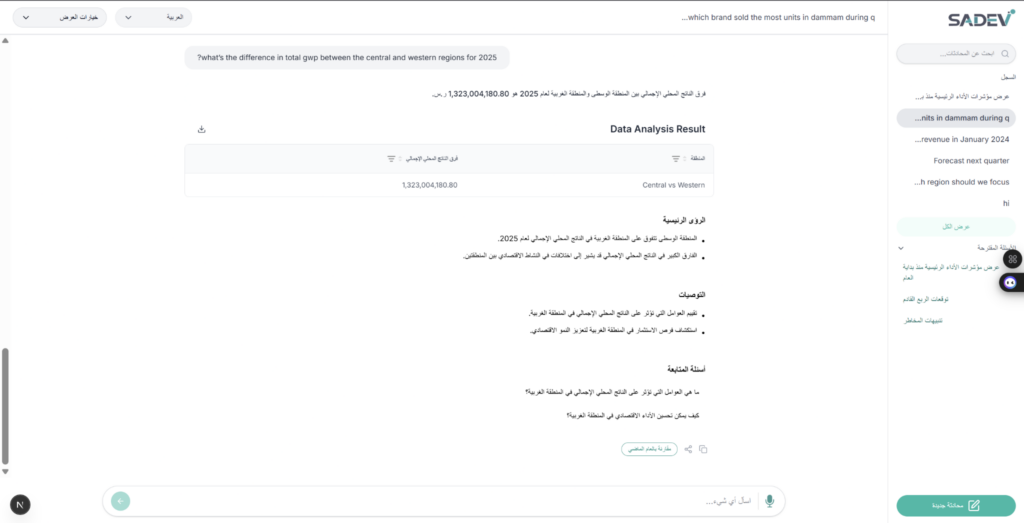
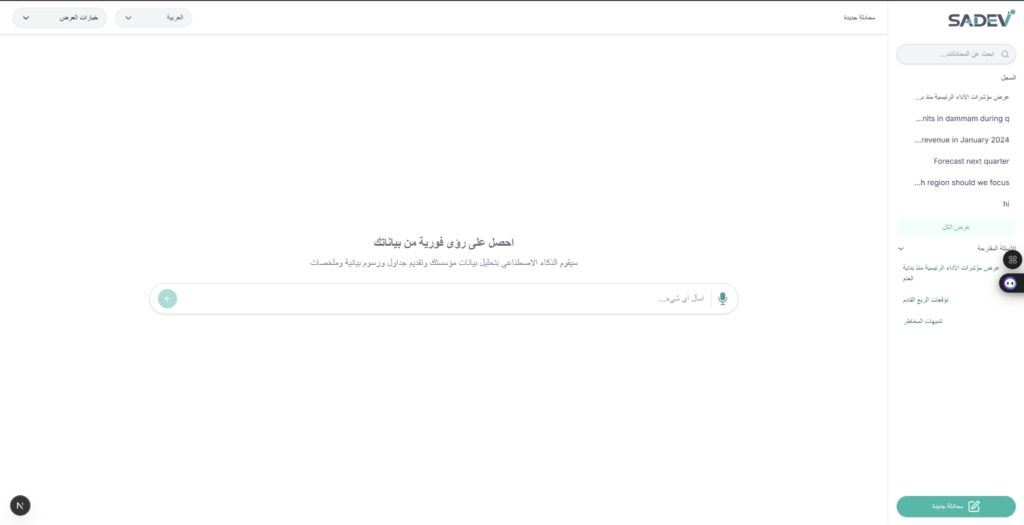
Project website url
http://3.109.150.205/en/chat/new